Scegliete la vostra edizione.

Oreon è disponibile in diverse versioni, adatte alle diverse esigenze.

Oreon 10 March 2026 Update (Build 2603)

This is a major feature update for Oreon 10.

Changelog:

  • Replaced Anaconda with Centrio Installer (custom installer)
  • Added NVIDIA driver detection and optional automatic installation during OS setup
  • Added default web browser selection during installation with several web browser options
  • Enabled Flatpak by default with option to disable during installation
  • Added selectable installation bundles for office work, development, gaming, and more
  • Added OEM configuration section in installer for pre-shipped repositories and packages
  • Switched default filesystem from XFS to Btrfs with system rollback support (other fs options available during OS setup)
  • Updated system branding and logos with cleaner, properly sized assets
  • Switched to systemd-resolved for DNS management

Le ISO sono state aggiornate.

Oreon 10

Ultima versione

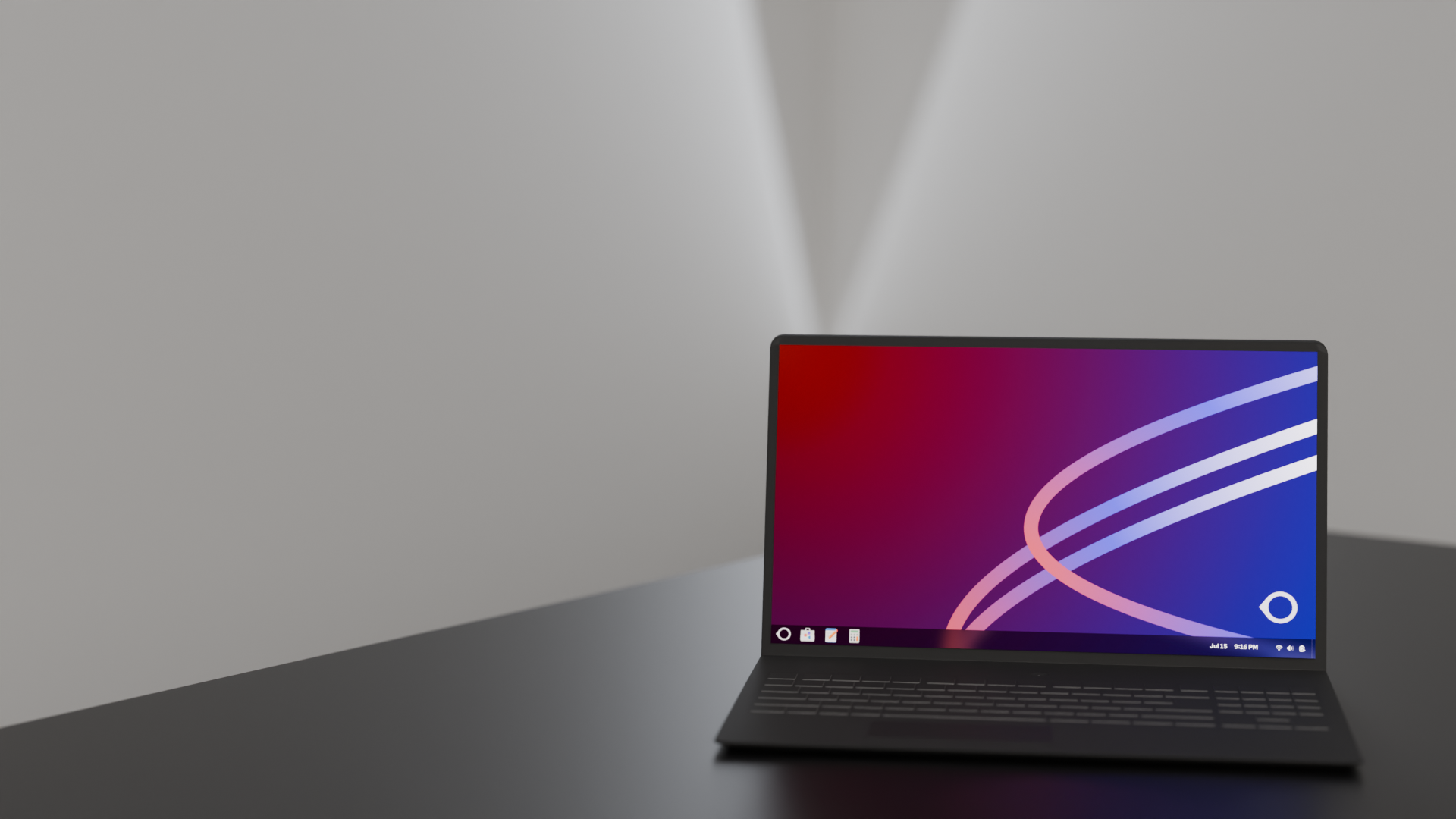
L'ultima versione di Oreon, basata su AlmaLinux 10. Questa è la versione raccomandata per la maggior parte degli utenti.
Intel e AMD
ARM64
Oreon 10

Verifica del download

Assicuratevi sempre dell'integrità e della sicurezza del vostro download verificando la somma di controllo SHA256 rispetto ai valori ufficiali.

Checksum SHA256 ufficiali

Oreon 10 (Costruire 2606)

x86_64
11e6943f4387861d58e196818043d8b9efe006b9290327ab17086db807ba4a77
aarch64
c0629d741b3ac0c72667ea5dac9e4a38648047c854716302edee394b18600ec8

Istruzioni per la verifica

Linux / macOS

Eseguite questo comando nel vostro terminale:

sha256sum [filename].iso

Windows PowerShell

Eseguite questo comando in PowerShell:

Get-FileHash .\[filename].iso -Algorithm SHA256