Oreon VR
Una piattaforma Linux per la realtà virtuale gratuita e incentrata sulla privacy.
Prossimamente
Oreon VR at a glance
- Oreon 11 underneath, with a shell made for using it in a headset.
- No account needed. Apps come from Flathub, and DNF still works.
- Oculus Go first, because its 3DoF tracking is a simpler place to start.
What is Oreon VR?
Oreon VR è un progetto dedicato allo sviluppo di un sistema operativo per la realtà virtuale basato su Linux. È stato progettato per essere libero dal tracciamento da parte delle aziende, da ecosistemi imposti e da negozi digitali restrittivi, in modo che i tuoi dati rimangano di tua proprietà.
A partire da Oculus Go
Lo sviluppo iniziale è incentrato su Oculus Go, poiché il suo sistema di tracciamento a 3DoF offre un punto di partenza accessibile. Intendiamo valutare la possibilità di supportare altri dispositivi, man mano che se ne presenteranno le opportunità.
Sviluppo iniziale
Oreon VR è ancora nelle fasi iniziali. Il trailer di annuncio mostra la direzione attuale, ma non è ancora disponibile una tempistica di sviluppo.
Vi presentiamo Oreon VR
Goals
Your data stays yours
The headset should not be sending your head movement, controller input, or what you use it for to anyone. If something does need to go out, you decide that.
No account
You should not need an account, especially one tied to a social network, to use a headset you already own.
Install what you want
The app store in the shell uses Flathub. DNF is there too, same as on any other Oreon system.
Open source
The source will be on GitHub once it is ready. You can read it, fork it, or send us fixes.
Why is the shell its own package?
Oreon VR is Oreon 11 with the VR shell on top, and the shell is its own RPM, separate from the base system. The main reason is debugging. When something breaks, it is easier to tell where. If the problem is in the shell, it is in one package we can fix and update without touching the rest of the system. If it is in the base, it is an Oreon 11 bug, and fixing it there fixes it for every Oreon 11 install.
It also means that if you already run Oreon 11, you can install the shell with DNF and boot into it. You do not have to reinstall.
Oreon VR image
Branding, the default user, and permission rules for the live system. That is all the image adds.
oreonvr-shell
The VR interface. It goes through our build service like the rest of our packages.
Oreon 11
Same base system, repositories, and updates as a normal Oreon 11 install.
Screenshots
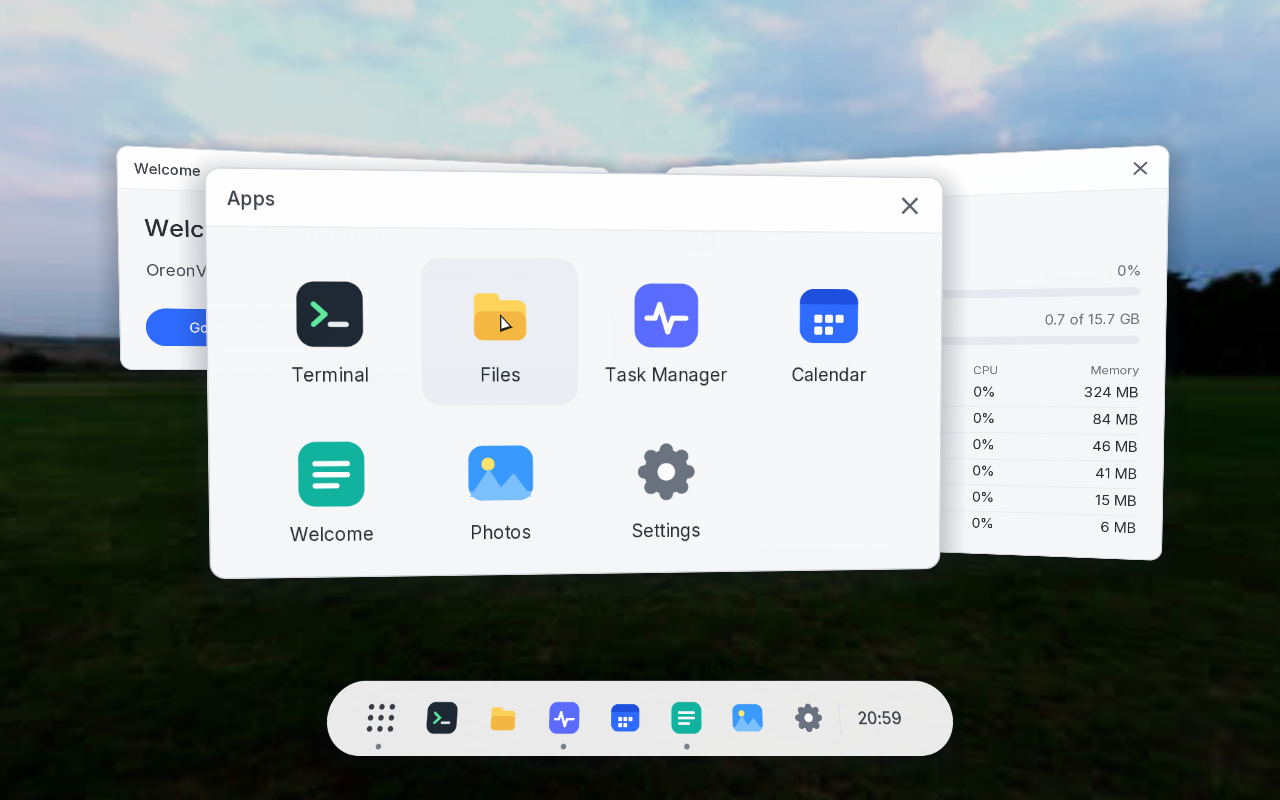
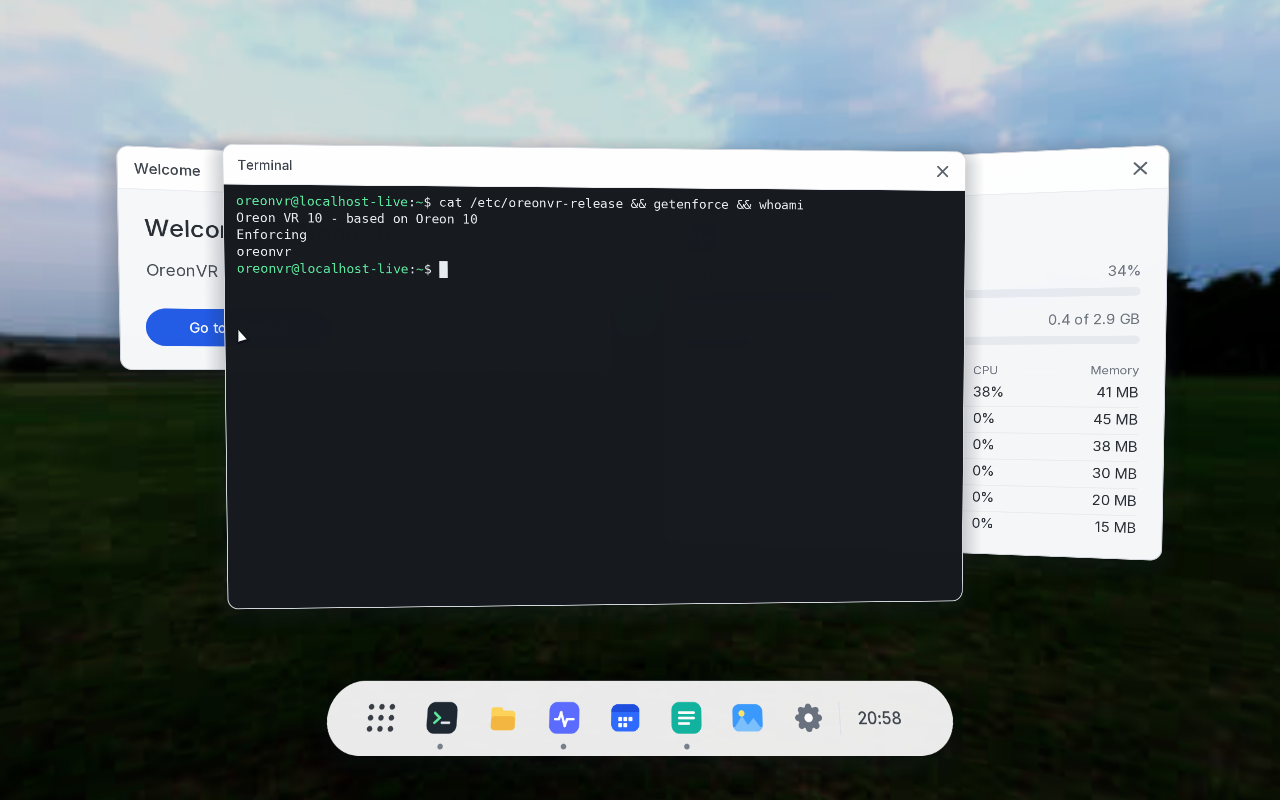
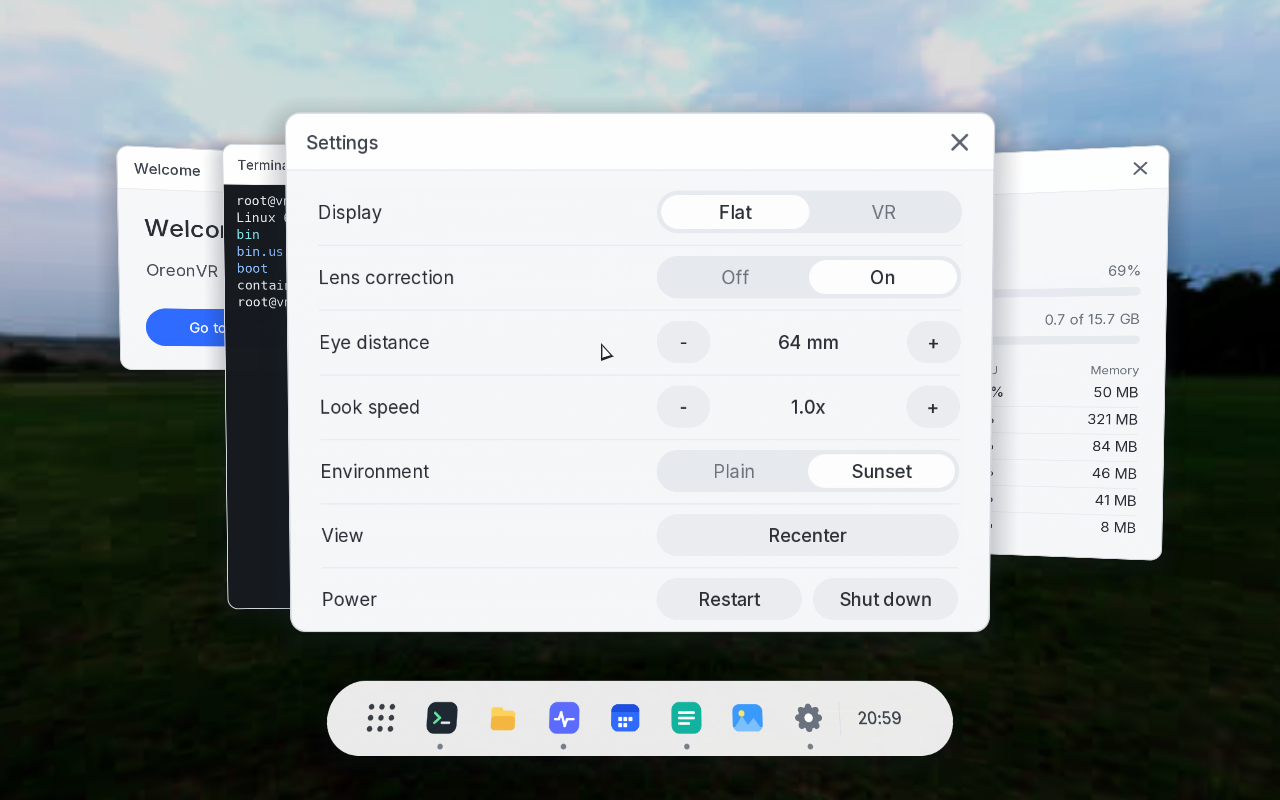
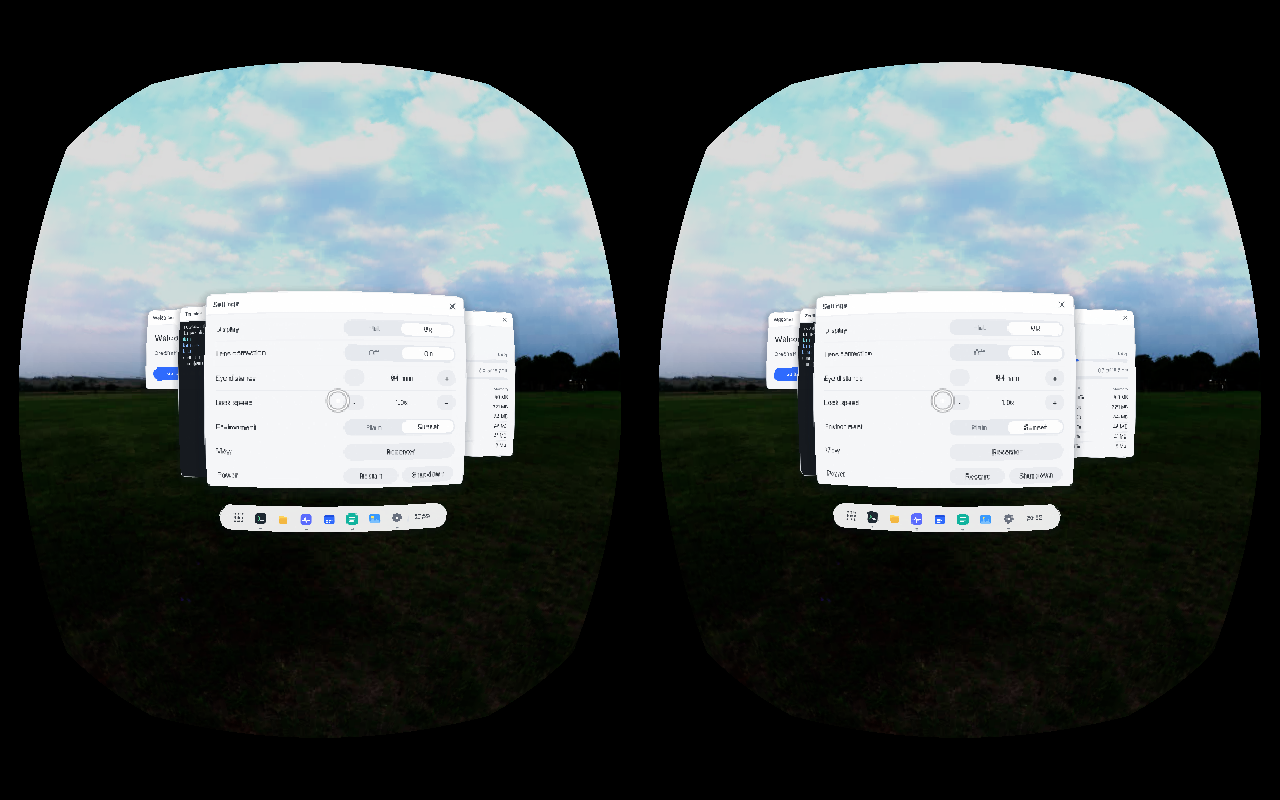
Oreon VR is not out yet
When it is, you will install it with a web installer.
If you would rather build it yourself, the source trees will be on GitHub.
Aiutaci a costruire Oreon.
Cerchiamo persone per i reparti sviluppo, confezionamento e sicurezza. Se sei interessato, invia la tua candidatura.
Entra a far parte del team