Choose your Edition.

Oreon is available in several versions tailored for different needs.

Oreon 10 March 2026 Update (Build 2603)

This is a major feature update for Oreon 10.

Changelog:

  • Replaced Anaconda with Centrio Installer (custom installer)
  • Added NVIDIA driver detection and optional automatic installation during OS setup
  • Added default web browser selection during installation with several web browser options
  • Enabled Flatpak by default with option to disable during installation
  • Added selectable installation bundles for office work, development, gaming, and more
  • Added OEM configuration section in installer for pre-shipped repositories and packages
  • Switched default filesystem from XFS to Btrfs (other fs options available during OS setup)
  • Updated system branding and logos with cleaner, properly sized assets
  • Switched to systemd-resolved for DNS management

ISOs have been updated.

Oreon 10

Latest Version

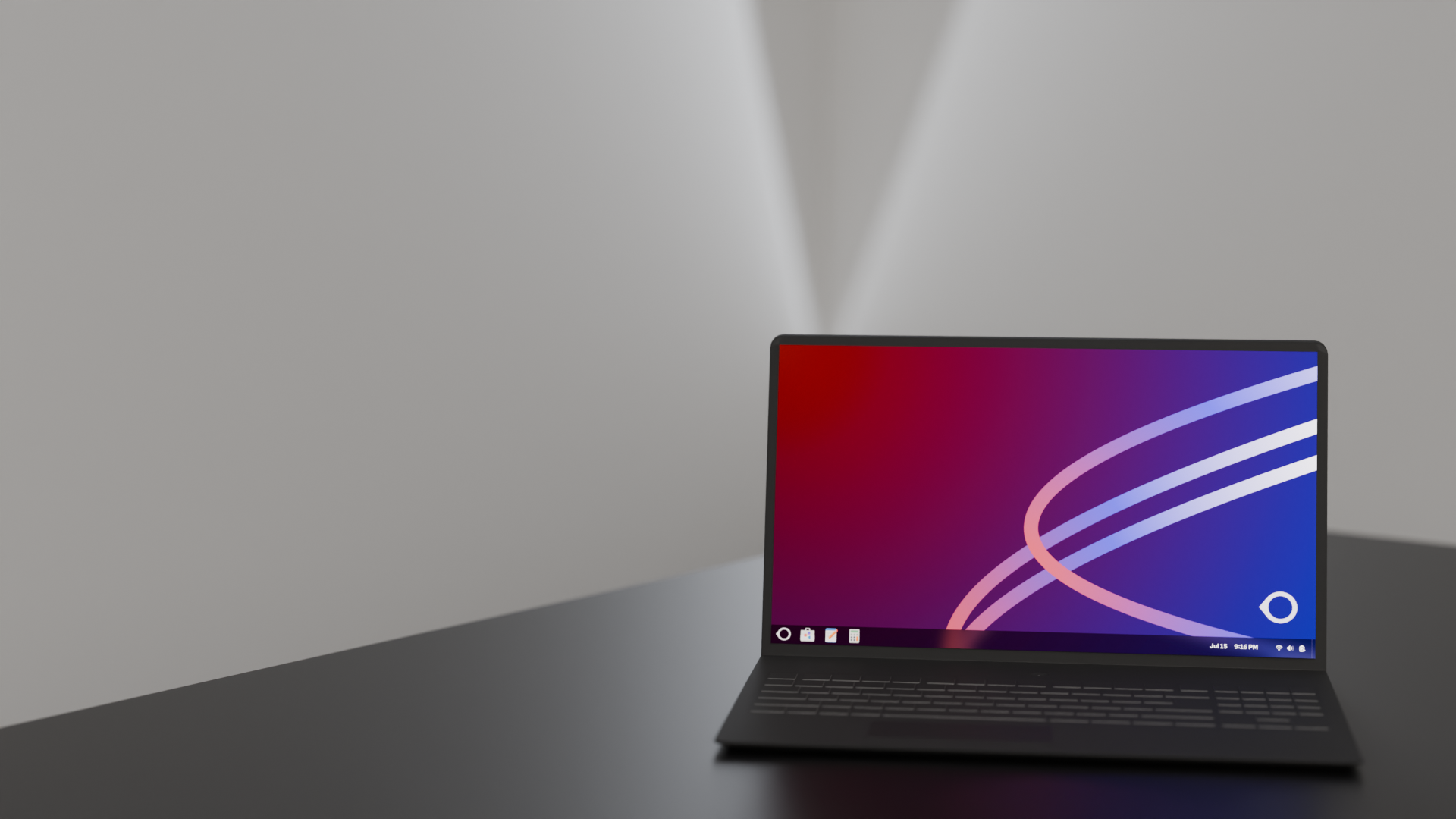
The latest release of Oreon based on AlmaLinux 10. This is the recommended version for most users.
Intel & AMD
ARM64
Oreon 10

Oreon Lime (R2)

Older Stable

Older stable release based on AlmaLinux 9. This version still receives updates but is no longer recommended for new installations.

Intel & AMD
Oreon Lime (R2)

Verify your Download

Always ensure the integrity and security of your download by verifying the SHA256 checksum against the official values.

Official SHA256 Checksums

Oreon 10 (Build 2603.1)

x86_64
f664e98b2e28918b00f32101b47f5e2fbab9522be58c85b52d931b4c72b95abf
aarch64
6ad58240c808438709fe119090c794d520a94d777dd80eb2e4f47cf517fd8a97

Oreon Lime (R2) (Build 2504)

x86_64
78c698a2b3f4f6ebc31c3e30ea8ab9b9ba313a9d8f8a908a6796d0c9a6f60237

Verification Instructions

Linux / macOS

Run this command in your terminal:

sha256sum [filename].iso

Windows PowerShell

Run this command in PowerShell:

Get-FileHash .\[filename].iso -Algorithm SHA256