Välj din utgåva.
Oreon finns i flera versioner som är anpassade efter olika behov.
Oreon 10 November 2026 Update (Build 2611)
This is a major feature update build for Oreon 10. Make sure to update your systems.
Changelog:
- Introduced Oreon Defense, system-wide security monitoring built on ClamAV, with real-time alerts
- Introduced Centrio Transfer, a tool that moves existing Windows 10/11 installations to a full Oreon 10 installation, without USB, and brings your files and some apps
- Major fixes and improvements to Centrio Installer, backported from V2, including a dual-boot selector
- Major infrastructure migration from Fedora COPR to Oreon Build Service and the new global mirror network, thanks to our sponsors
- Switched from Flatpak Firefox to RPM Firefox on new installations
- Fixed an issue where the OEM logo wouldn't show up on the boot screen
- Packaged several new window managers such as bspwm, but they still need more testing
Build Notes:
- Oreon Defense is not available on older installations, you must install it yourself
- If using Centrio Transfer, a full backup is advised before starting the migration as we are NOT liable for any data loss
- If you run into ANY issues, PLEASE let us know
- If you plan to use Oreon on older hardware that doesn't support Oreon 10, you are advised to wait for Oreon 11, as it brings back support for older CPUs
- This is the final major feature update build for Oreon 10
- All future work is being put towards the upcoming Oreon 11
ISOs have been updated.
Oreon 10
Senaste versionen
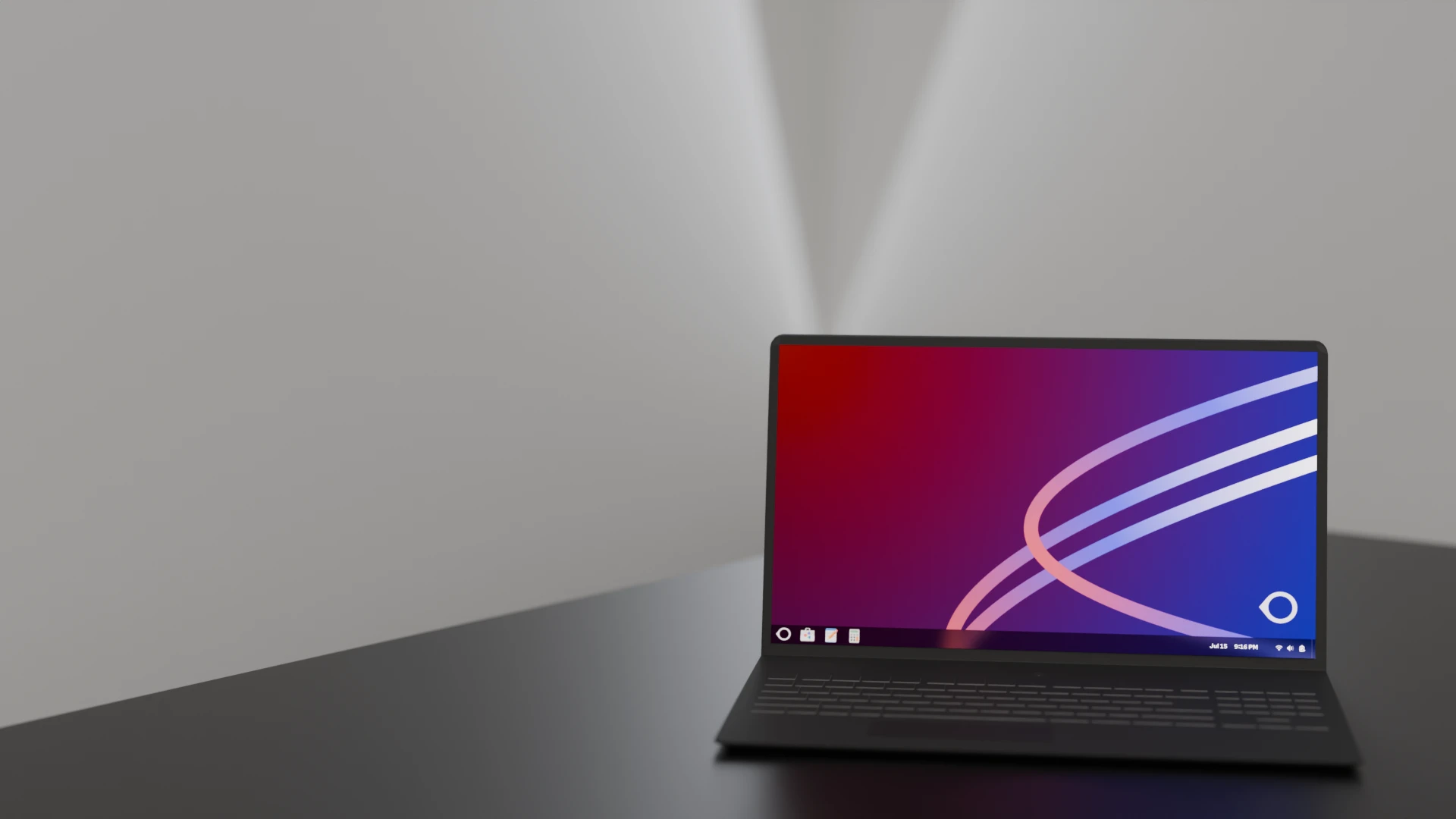
Den aktuella versionen av Oreon, baserad på AlmaLinux 10. Rekommenderas för de flesta användare.
Verifiera din nedladdning
Jämför SHA256-kontrollsumman med de officiella värdena innan du installerar.
Officiella SHA256-kontrollsummor
Oreon 10 (Bygga 2611)
x86_64
32388970d1c5e02e43699aeeb846df029eee7f7f27960386f6c66d4d3a98612caarch64
d0d0e552245d85e677ae1824ab5c6a8900911cc83399c847bd2d8b39d23a6c4bInstruktioner för verifiering
Linux / macOS
Kör detta kommando i din terminal:
sha256sum [filename].isoWindows PowerShell
Kör det här kommandot i PowerShell:
Get-FileHash .\[filename].iso -Algorithm SHA256