
Oreon 11
Easy to sit down with, and still there if you want to go further.
Planned for 2027
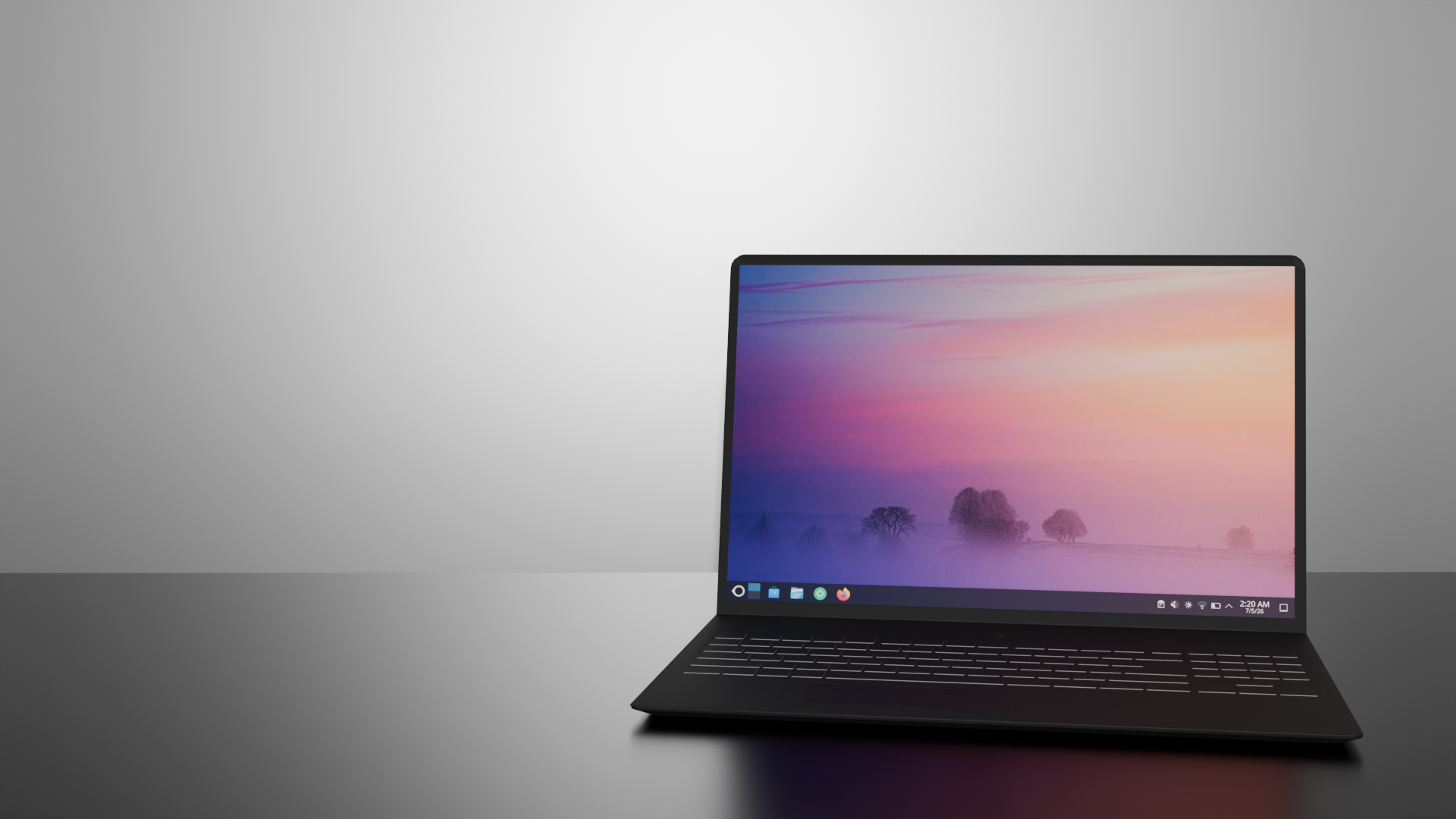
Oreon 11 at a glance
- KDE Plasma desktop, laid out so someone new to Linux can use it, with room to customize later.
- Stable-rolling if you want newer software sooner, or LTS if you want updates to come slower. You choose when you download.
- DNF and RPM, with our own builds and repositories.
What does Oreon 11 solve?
A lot of projects only work after you have already done the hard part by hand. Secure Boot on some distros means manual setup if it does not use a Microsoft-signed shim. Snapshots mean a filesystem you may not even be using. Specific GPUs sometimes mean installing drivers yourself. Oreon 11 does those during install, and you can change them later in Oreon System Manager. Put the machine in Setup Mode and Centrio enrolls our Secure Boot key during installation. If an update breaks the system, snapshots can put it back, including on ext4. This is set up out of the box.
Why not just contribute to the upstream projects?
Helping an upstream project makes that project better. It does not give you a complete system that is already set up when you reboot. When something belongs in the upstream project, it should go there.
Oreon System Manager is one interface for packages, repositories, Distrobox, Docker, and drivers. Oreon Defense is a security daemon with a tray app. ClamAV is a scanner you install and then have to schedule, configure, and remember to read. Defense is already running, and the tray is where it tells you something needs you. You can get a properly set up system without already knowing how to use a terminal.
Why not just publish packages for a distro that already exists?
A package can add an app. It cannot enroll a Secure Boot key while the installer is still running, or decide that snapshots are on before the disk is written. Those are choices made at install time. That is why this is a distribution.
If you do prefer the terminal, it is still there. You pick stable-rolling or LTS when you download, and that is how fast the machine moves from then on, software-wise. The kernel uses the BORE scheduler so the desktop stays responsive while the CPU is busy.
In conclusion
Oreon 11 is a mixture of technologies and ideas that form a distribution of its own. We cannot really accurately convince you that Oreon 11 is worth using over other distros, but the overall experience when you use it should.
What is on this page is Oreon 11 when it releases. We will keep adding things that make Oreon its own. We cannot put all of that in at once.
Thanks for reading -Brandon
I'm doing a (free) operating system (just a hobby, won't be big and professional like gnu) for 386(486) AT clones.
That's how Linux started. He also figured it would never run on anything but the hard disks he had on his desk.
Features
Oreon System Manager
A GUI for packages, repos, Distrobox, Docker, and drivers. The stuff you'd usually do in a terminal.
Oreon Defense
Our security app. It shows how secure the system is and notifies you when something is unsafe.
KDE Plasma
The flagship desktop is now KDE Plasma. A lot of it can be customized to your liking. We will eventually offer more desktops in the future.
BORE scheduler and optimized performance
The kernel uses the BORE scheduler so the desktop stays responsive when the CPU is busy.
RPM, from our own repos
You install software with DNF. The packages come from our build system, our repositories, and our own testing standards. Builds ARE reproducible and signed via our own keys.
Stable-rolling and LTS
Stable-rolling picks up newer software sooner. LTS keeps a slower pace. You choose which download to start from.
Centrio installer and driver detection
Centrio is the installer. You can set a lot up before it copies anything to the disk. It also looks for drivers for devices as NVIDIA graphics cards during install.
Our infrastructure
Repositories and downloads are served from our own infrastructure. The Oregon State University Open Source Lab is a secondary provider on top of that.
Oreon Root Protection
Snapshots, and a way to roll back if an update breaks something. Works on more than one filesystem, including ext4. Backup and restore is included.
Easy Secure Boot setup
Secure Boot uses our own key. Put the device in Setup Mode, and Centrio enrolls our key and turns Secure Boot back on.
Early downloads are not yet available
Early downloads for Oreon 11 are not yet available. We will update our community when this changes.
If you want something to install today, get Oreon 10.
Oreon 11 is planned for 2027
Oreon 11 is planned for 2027. Oreon 10 is the release you can download today.
Help build Oreon.
We need people for development, packaging, and security. If you want in, apply.
Join the team